Top SDR APIs for lead generation: 5 options by job (2026)
Compare five SDR APIs for prospect discovery, verification, outreach, and CRM handoff. Use a six-record test before connecting tools.
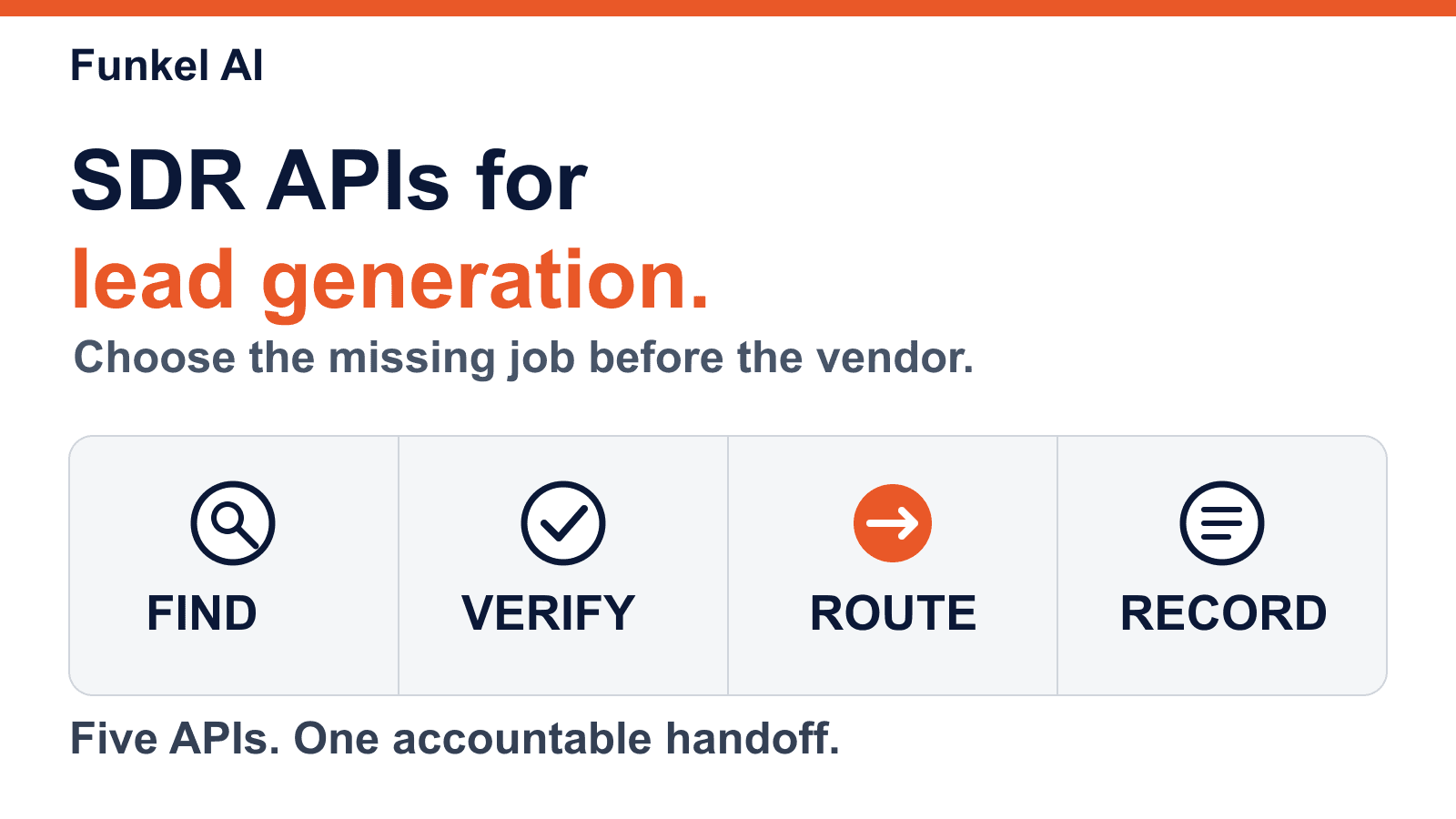
The best SDR API depends on the job your team needs to connect. Apollo can find prospects, Hunter can find and verify business email, Smartlead can operate cold-email campaigns, HubSpot can keep CRM records, and Funkel AI can connect lead review with campaigns. These are different parts of lead generation. A search result is not a verified buyer or permission to send.
We checked each vendor's public API documentation on October 1, 2026. This is a comparison of documented work, not a performance ranking. We did not run the same live records through every API. Access, limits, and prices depend on your plan and can change.
Five SDR APIs compared by the job they do
A team can use more than one of these APIs, but every handoff needs one owner. If you want a broader product comparison, see our AI SDR buyer guide. It compares operating models and human control, not API endpoints.
1. Apollo: prospect search before enrichment
Apollo's People API Search documentation describes filters for new prospects. The search response does not include email addresses or phone numbers. Apollo documents separate enrichment endpoints for contact data. That split matters when a team estimates its cost and checks which records are contactable.
Choose Apollo when the missing job is finding plausible people at target companies. Keep the search criteria and Apollo person ID. Do not treat a matched title as proof that the person owns the problem or created an account-level signal.
2. Hunter: business email discovery and verification
Hunter's API reference covers Domain Search, Email Finder, and Email Verifier. Domain Search returns addresses Hunter found for a domain with source information. Email Finder uses a person's name and domain. Email Verifier checks a proposed address.
Choose Hunter when your team knows the company or person but needs an email research step. Keep the source and verification result separate from buyer intent. A deliverable address can still belong to a poor-fit person or someone who opted out.
3. Smartlead: cold-email execution after qualification
Smartlead documents an Add Leads to Campaign operation, plus operations to pause or unsubscribe leads and read campaign activity. This is an execution layer. It is useful when the team already owns prospect research, contact eligibility, message policy, and mailbox health.
Before a live import, test a duplicate lead, a suppressed address, and a buyer reply. Confirm which system stops later steps. Do not assume a successful API response means the intended campaign state survived every retry or asynchronous update.
4. HubSpot: a CRM record and handoff layer
HubSpot's CRM API guide describes objects, records, properties, associations, and search. A contact can link to a company and activities. This makes HubSpot useful as the shared record when several tools find, qualify, and contact the same person.
Define the unique key and update owner before writing. Keep the original source URL, observed fact, capture date, consent or suppression state, and latest route. Otherwise a clean CRM record can hide a weak or stale reason for outreach.
5. Funkel AI: lead review and campaign workflow
The public Funkel AI API reference lists operations for discovered-lead review, campaign creation, adding a lead, and message review. This fits a team that wants to keep the source reason near the lead and campaign decision. The operation list is a contract reference, not a promise that every discovered lead can use every outreach channel.
Review the source, person identity, supported channel, connected sender, and approval state before campaign work. For product scope and current plans, use the Funkel AI pricing page. Funkel AI has no free trial.
Where Clay fits
Clay is useful when an operator needs to join several API steps in one table. Its HTTP API documentation describes pulling data into Clay or sending rows to another API. That is a workflow connector, not one interchangeable lead-search endpoint. If a Clay company row enters Funkel AI, it stays pending review. Receiving the row does not start a paid company search.
Copy this API handoff contract
Before connecting two services, write down what one record means. This sample is a team-owned handoff record, not a request body for any vendor API:
| Field | Record it for | Failure it prevents |
|---|---|---|
| source_id, source_url, observed_at | Original evidence and freshness | A generated summary becomes an unsupported fact |
| person_id, company_id, identity_state | Verified person and account | A company event is assigned to a guessed person |
| fit, exclusion, route | Qualification and next action | Every found contact enters a sequence |
| sender_id, approval, stop_state | Eligible execution | An opt-out or reply leaves work active |
| external_id, operation_id | Readback and safe retry | A timeout creates a second lead or send |
Store the vendor's record ID beside your own. On a timeout, read the prior operation or search for the stable record key before retrying. Check each vendor's rate limits and duplicate behavior. The outbound sales automation guide shows how to test the full source-to-reply workflow.
Run a six-record acceptance test
Use one record for each outcome below. Run the set through the connected workflow before importing a larger list. Record what each API returns, what a person can inspect, and which system owns repair.
- Valid lead: source, identity, fit, and route stay attached to one record.
- Duplicate: a repeated import updates or skips the same record.
- Unknown identity: a company event stays in research or review.
- Stale evidence: an old reason cannot create a new send.
- Opt-out: every connected sending path remains stopped.
- Reply: later steps stop, and the reply returns to the record owner.
Run the valid and duplicate cases again after a simulated timeout. Count duplicate records, unsupported routes, manual repair minutes, and missed stop events. The best API set is the smallest one that passes your required work with a clear owner for every failure.
FAQ
What is an SDR API?
An SDR API lets software read or change part of a sales-development workflow. One API may find people, another may verify contact details, another may run outreach, and another may record results. Check the job and permissions before comparing vendors.
Which SDR API is best for lead generation?
There is no single best SDR API. Apollo fits prospect search, Hunter fits business email discovery and verification, Smartlead fits cold-email campaign operations, HubSpot fits CRM records, and Funkel AI fits a signal-led lead and campaign workflow. Select the missing job first.
Can a lead search API send outreach?
A lead search result does not authorize outreach. Verify the person, route, sender, relationship state, and stop rules. Some vendors offer separate sending operations, but search and sending remain distinct decisions.
How should a team test an SDR API integration?
Test a valid lead, a duplicate, an unresolved identity, a stale signal, an opted-out person, and a reply. Check that retries preserve one record, blocked leads never send, and a reply stops future work.
Read next
- LinkedIn prospecting tools: 7 options compared for 2026Compare seven LinkedIn prospecting tools by job, operator work, and a 20-lead test that checks CRM handoff quality.
- Best B2B intent data providers: 8 options compared for 2026Compare eight B2B intent data providers by signal grain and evidence. Use a 25-account scorecard to test a shortlist.
- How to use LinkedIn for sales prospecting: 7 stepsUse a 7-step LinkedIn prospecting workflow, apply a worked 20-profile audit, and set clear AI and human-review boundaries.