How we keep your LinkedIn account safe
A look at the pacing rules, retry logic, and pause conditions Funkel uses to stay under configured limits and reduce account risk.
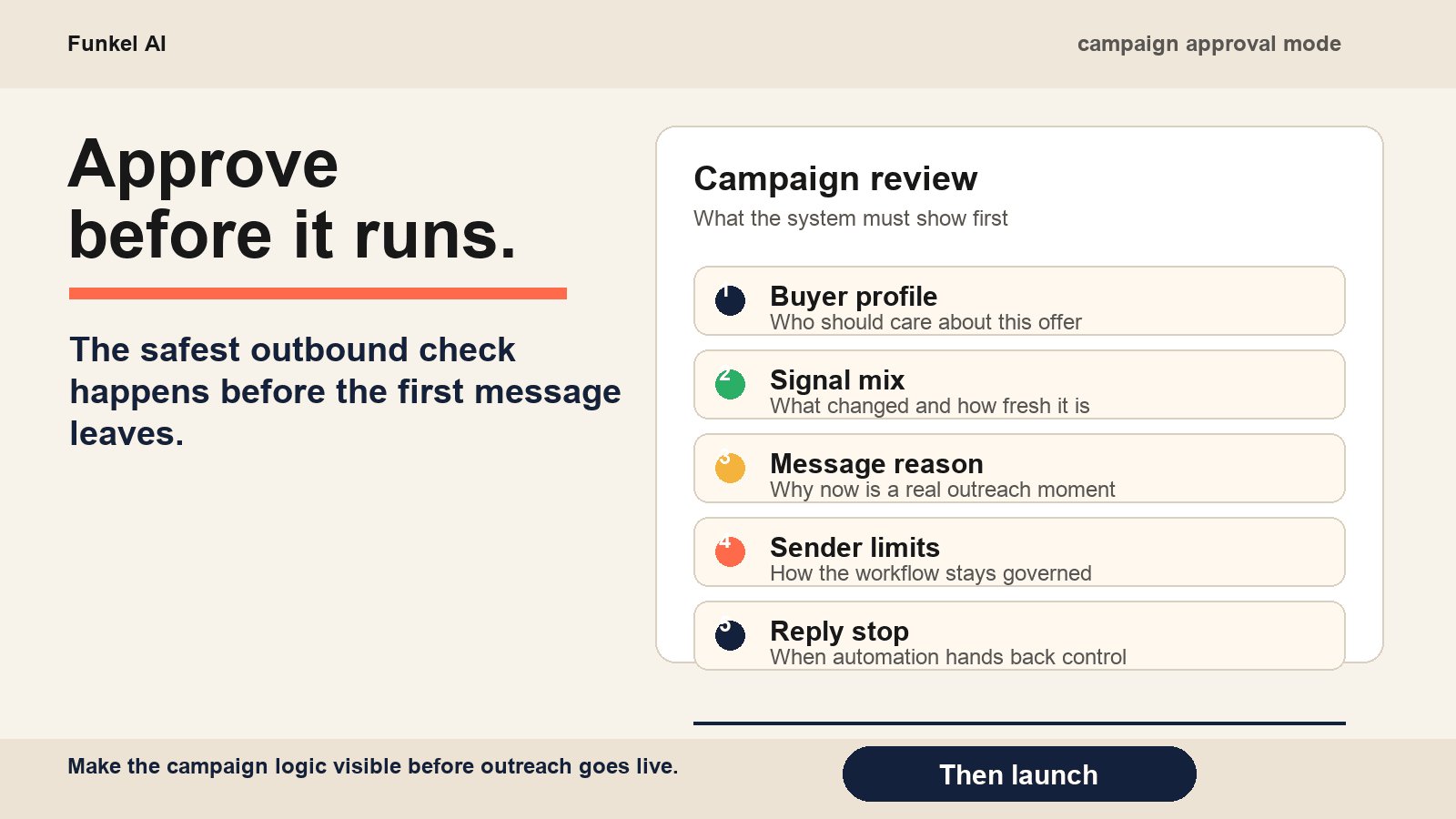
LinkedIn account safety is a feature, not a marketing section. The accounts running outbound on Funkel are the same accounts you use to talk to your customers, your co-founders, and the recruiter who wants to ask about that job you held in 2019. A flag or a temporary restriction does not just kill your outbound: it removes you from your own professional network for as long as it takes to appeal.
We take this seriously enough that the safety logic in Funkel is more code than the message-generation logic. The pieces below are the actual rules that ship in the product.
The default caps
Funkel sets sender caps from the LinkedIn tier we know about. Basic or unknown accounts use 120 invites and 100 messages per week; Premium accounts use 150/120; Sales Navigator and Recruiter accounts use 175/150. Regardless of overrides, the LinkedIn hard clamp is 200 invites and 200 messages per week.
The weekly cap is what the algorithm sees. We turn it into a daily budget by dividing across the campaign’s active days. For a Basic or unknown account on five active days, that works out to about 24 invites and 20 messages a day per sender. Hit the daily ceiling and the queue waits until tomorrow. We never cram a day to clear a backlog.
The 14-day warmup
The most underrated thing in the safety stack. When a sender makes its first successful outbound send through Funkel, the account enters warmup for fourteen days. During warmup, the daily budget is scaled by a factor that ramps from 20% on day zero to 100% on day fourteen.
The math, in case you want it: factor = 0.20 + (daysSinceFirstSend × 0.06). Day 5 is 50%. Day 10 is 80%. Day 14 is 100%. After that, full caps.
We added this because new senders that immediately run at their full daily cap are the ones LinkedIn flags first. A warmed sender operating inside its budget looks normal. A brand-new sender sprinting on day one does not.
Jitter between sends
Two messages going out 0.4 seconds apart from the same account is the signature of an automated tool. We never do that. Every send is delayed by a random interval between 30 and 180 seconds, and during the warmup period that window widens by an extra 0 to 120 seconds depending on how new the account is.
Sends also respect business hours. Each campaign has a schedule (days of the week, start hour, end hour, in your timezone); outside that window, actions sit in the queue and pick up at the next start time.
Reinvite cooloff
If a connection invite goes 14 days without a response, Funkel withdraws it. After a withdrawal, the same lead is locked out of new invites for 21 days. LinkedIn will flag accounts that re-invite the same person back-to-back, so we hold the line on the cooloff even when the agent finds a new signal for the same person inside that window. The easiest way to lower the withdrawal rate in the first place is to write connection notes that get accepted.
What we pause automatically
- A reply lands. Every remaining workflow step for that lead is canceled in the same transaction.
- The weekly cap is hit. Sends pause; the queue resumes next week.
- A sender disconnects (token expired, LinkedIn invalidated the session, you signed out). Pending actions wait until you reconnect.
- The subscription enters the disabled state after a failed payment. Agents pause; senders stay connected but stop sending.
Retry and backoff
Transient send failures (a network blip, a LinkedIn API 500) get retried up to three times via the job queue’s exponential backoff. Permanent failures, like a reinvite cooloff or a deleted target profile, are caught at the first attempt and the action is marked skipped without retry. We do not hammer LinkedIn with retries on errors that would not resolve themselves.
What you should still do
Funkel can pace your sends but it cannot keep your account looking real. The accounts that survive long outbound runs are the ones that also post occasionally, comment on real conversations, and have a complete profile. Treat Funkel as one channel that runs alongside your normal use, not a replacement for it.
If LinkedIn ever shows you a warning or a temporary restriction, pause your campaigns immediately and let the account rest for at least seven days before resuming. The defaults above are tuned to keep you well clear of the line. They are not a guarantee. The only guarantee is the boring one: send fewer messages, send them with a reason (the intent signals we watch are how we decide what counts as a reason), and stop the moment something looks off. If a warning has already landed, work the 7-step recovery playbook rather than improvising.
Read next
- Best B2B intent data providers: 8 options compared for 2026Compare eight B2B intent data providers by signal grain, evidence to inspect, and the smallest useful first route. Copy a proof-first demo record.
- Buyer intent signals: 11 examples and a signal contractLearn 11 buyer intent signal examples, build a signal contract, and measure signal quality before automating outreach.
- What is B2B intent data? Types, examples, and a practical workflowLearn what B2B intent data is, compare first-, second-, and third-party sources, and use three examples to choose a safe sales action.